Mobile Doc Scanner (MDScan) v2.0.28
Requirements: Android 2.2+
Overview: Mobile Doc Scanner (MDScan) is a new business tool exclusively for your Android device!
Extremely useful mobile tool gives users the power to transform any file into PDF format and share it right from your device.
[break]
With MDScan users are free to scan any type of document, ranging from receipts to text pages and almost everything in between, on the go anywhere and anytime. Ranked in Top 10 Business application in 36 countries
#1 Business application in Russia
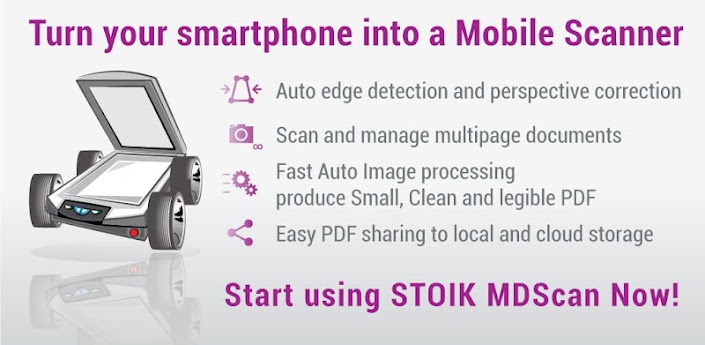
A perfect companion for busy users, MDScan allows anyone to transform everything from invoices to whiteboards and classes notes, magazine articles and more into a PDF format in order to easily export them, share and e-mail it to others, or for any other reason they can come up with. MDScan automatically detects borders, corrects distortion, and equalizes brightness to create clear, legible documents at a very high speed for your convenience.
Going above and beyond other mobile scanning solutions MDScan offers Batch shooting mode for a super fast scanning so users can easily scan within seconds multiple pages and save scanned files for batch processing later.
The app shines in terms of uploading as well as all document conversion is performed locally right on user’s device. This means that you can upload documents to cloud storage services, including Dropbox, Google Docs, or Box.net, email services, or Facebook and Twitter that is guaranteed to go off quickly, without a hitch, and without risk of any potentially sensitive information becoming compromised.
Simply put there’s enough for you to worry about without having to go out of your way to scan and convert files into PDFs should the need arise, and now with MDScan its one worry you won’t ever have again.
Features:
Main advantages and benefits
Transform any image into PDF format.
Automatic, high quality document edge detection and perspective correction.
Manual free Advanced image processing to enhance poor quality images and documents.
Quickly scan and manage multi-page documents on the go
Scan, upload or send any document quickly, including receipts, news and magazine articles, invoices, coupons, posters and much more
Cloud storage and social network integration for accessibility and sharing
What’s in this version:
External SD card support
https://play.google.com/store/apps/details?id=com.stoik.mdscan

